Stop searching.
Start building.
Meet CelesteSM, Newegg's AI shopping assistant — your go-to for PC builds and upgrades, and a sharp second opinion on anything else you're shopping for.
From a research project to one calm conversation.
Figuring out which parts work together usually takes hours of cross-referencing. CelesteSM does that homework with you, in a single guided exchange.
Search, filter, cross-reference.
Endless SKUs and spec sheets to compare by hand — checking socket, wattage, and clearance across a dozen tabs before you can buy.
Describe it once. Get a build you trust.
Plain-language answers that teach as they recommend — every part checked to fit.
Not a search box. A build partner.
Three things she does differently from a search box.
Guidance, not a wall of results
Ask for a "1440p build under $1,200" and CelesteSM explains where to spend and where to save — then narrows thousands of SKUs down to a handful that actually fit.
Compatibility you can verify
CelesteSM checks the details that trip people up — socket, wattage, clearance, RAM support — and shows you why each part fits, so you buy with confidence, not crossed fingers.
Pin & ask anything
Pin any product or highlight any line in an answer to ask about it directly — no detail is too small. The conversation keeps your context, so you can dig into a single spec without starting over.
One conversation, start to cart.
From "I want to build something" to a cart you trust — without leaving the chat.
Spark a new idea
Describe the build, budget, or goal in plain language. Beginners welcome — CelesteSM meets you where you are.
Explore on the side
Products, specs, and deals open in a side panel as sources for your project — your conversation stays front and center.
Build with confidence
Add compatible parts straight to your Newegg cart, knowing they fit together.
Pin a product. Ask anything. No retyping.
Every recommendation raises follow-ups — will it fit, is the cable included, how loud is it? Pin the product or highlight any line in an answer and just ask. CelesteSM keeps the context, so your next question is simply a question.
- Tap "Discuss more" on any product to pin it to your prompt.
- Select text in an answer and "Ask CelesteSM" about exactly that.
- Answers come back product-specific — exact length, slot, and wattage.
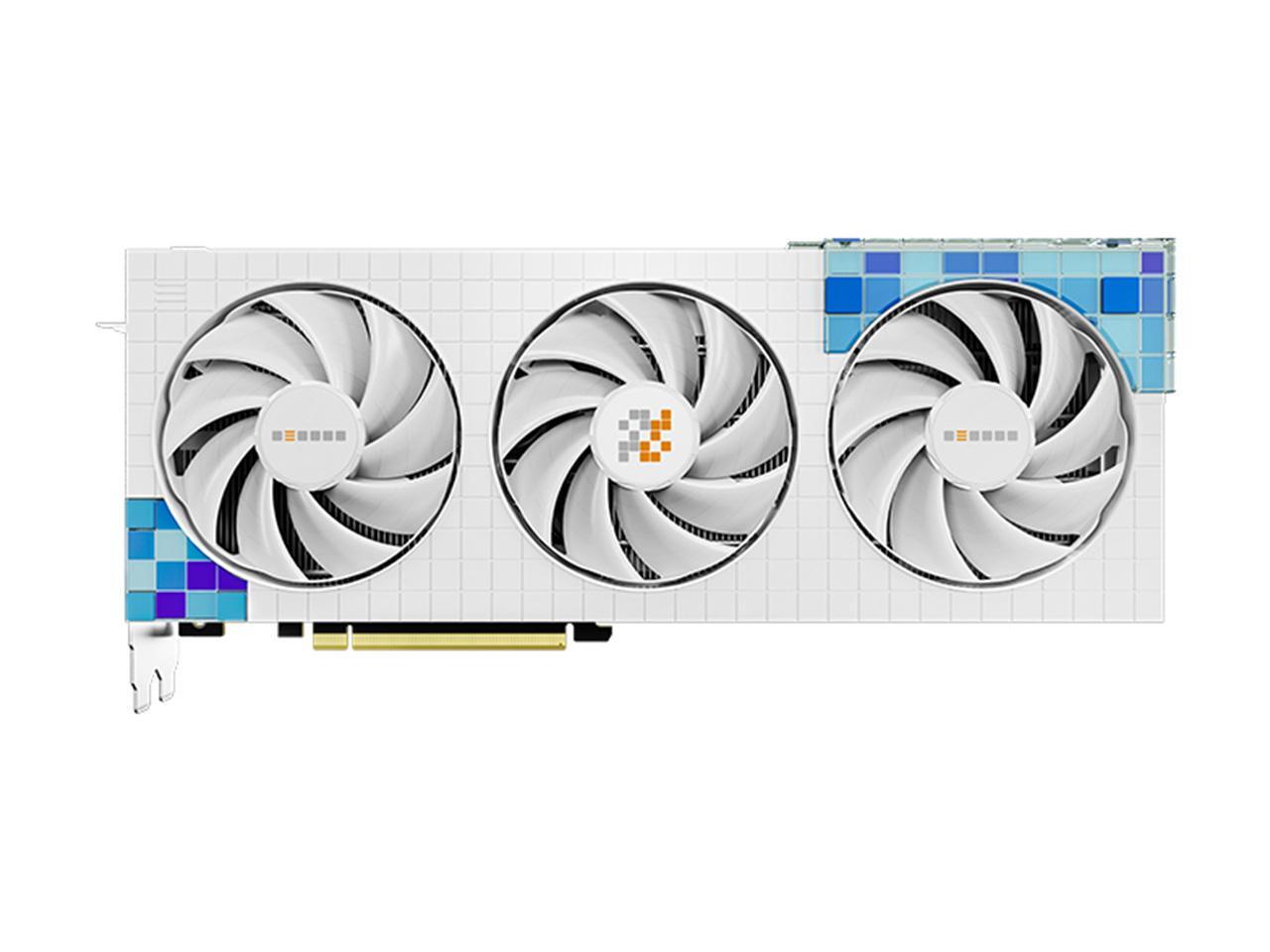 Peladn Gaming RTX 4070 12G… ✕
Tell me what you are looking to find or build today…
Peladn Gaming RTX 4070 12G… ✕
Tell me what you are looking to find or build today…
Two options, side by side — with a recommendation.
CelesteSM lays out the dimensions that matter, then tells you which one fits your goals and why — not just a spec dump.
- Clean comparison rows for the specs you actually weigh.
- A pick driven by your goals — what you said matters most in the conversation, not a generic persona.
- Decide in seconds, then pin the winner into your build.
Here's how the two stack up for high-refresh 1440p gaming:
| RTX 4070 | RTX 4060 Ti | |
|---|---|---|
| Product | GIGABYTE WINDFORCE RTX 4070 | NVIDIA GeForce RTX 4060 Ti |
| CUDA Cores | 5888 | 4352 |
| VRAM | 12GB GDDR6X | 16GB GDDR6 |
| Memory Interface | 192-bit | 128-bit |
| Boost Clock | ~2475 MHz (typical) | ~2535 MHz (typical) |
| PCIe Version | PCIe 4.0 | PCIe 4.0 |
| Target Resolution | 1440p Ultra | 1080p to 1440p High |
| Ray Tracing Cores | 3rd Gen RT Cores | 2nd Gen RT Cores |
Real products, straight to your cart.
Every recommendation is a live Newegg listing — image, rating, price, and key specs — not a generic suggestion you have to go hunt down. When the build's right, add it to your cart and check out without ever leaving the conversation.
- Real Newegg products with live ratings, reviews, and current pricing.
- Savings surface right on the card whenever a part happens to be on sale.
- Add to your Newegg cart in one tap — the conversation keeps going.
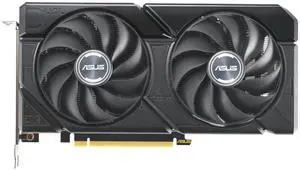
 (310)
(310)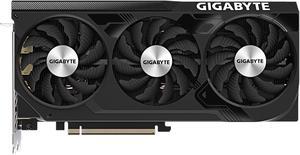 (300)
(300)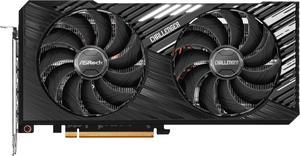 (70)
(70)It's a workspace, not a chat thread.
Tap any product and it opens in a side panel — a live source for your build — while the conversation stays put. Explore, pin, and keep moving, all in one view.
The conversation never scrolls away.
- Products open beside the chat as sources for your project — not links that lose your place.
- Pin a product or a single spec from the panel and ask about it directly.
- Compatibility is checked as you go — long before checkout.
- Collapse the panel to focus, expand it to compare. Light or dark.
Polished where it counts.
The thoughtful details that turn a clever demo into something you actually come back to.
Light & dark mode
The whole workspace adapts — easy on the eyes in a bright office or a 1 a.m. build session.
Collapsible workspace
Expand the side panel to compare specs in depth, or collapse it to focus on the conversation. Your call, anytime.
Projects you can return to
Sign in and each conversation is saved as a project — revisit a build, swap a single part, and pick up exactly where you left off.
Compatibility while you build
When you're planning a full build with CelesteSM, she checks each part against the others — socket, wattage, clearance — so the pieces fit together before you buy.
Straight to your Newegg cart
When the build's right, add every compatible part to your existing Newegg cart in a tap — same account, same checkout.
Works on every screen
The full conversation and workspace adapt from an ultrawide monitor down to your phone, without losing the thread.
Powered by Newegg's component catalog and compatibility data.
Your next build starts with one sentence.
Free to explore. Sign in only when you're ready to save your build or check out.
Spark a new idea